
My mother was fed up with multiple crashes on her Windows laptop, and wasn’t sure what to do. Should she get a new Windows laptop? Should she try to fix the existing laptop? It was all very traumatic for her, because she lost precious data with each crash.
When I first suggested she switch to Apple, she said no thanks, she wasn’t going to learn a new operating system. She had little spare time as it was. But with time, she relented. I convinced her to visit the Apple Store at her local mall and play around with the computers. I remember a few months ago, she called me from the store, excited. She was willing to give it a try and consider a purchase. She wanted a laptop, and didn’t want to spring for the expensive MacBook Pro, so I suggested the MacBook. She liked the white one. I advised her to wait till they came out with the Core 2 Duo and fixed the random shutdown and discoloration issues.
Fast forward a couple of months, and I placed the order for her. I expected to wait about a week till Apple shipped it out, like I did with my iMac G5. Was I ever surprised when I got a shipment notification the very next day! I thought boy, they really improved… but in typical Apple fashion, they managed to mess up the order somehow. When I ordered my iMac, they sent me a Spanish keyboard and instruction manual. This time, they didn’t ship the Apple Care plan for the MacBook. [sigh] Some things are just the way they are…
I had the laptop sent to me, since I promised I’d take her through the switch. Now I’ve got my work cut out for me. I’ve got to import all of my parents’ documents , photos, music and other things from the PC backup files to the MacBook. As if that’s not enough, I need to transfer her Outlook-based mail archive to Apple Mail, and that’s not a walk in the park. Fortunately, I’ve done it before. When everything’s set up, I’m going to fly it down to her and hand it over. There may be an official hand-off ceremony, I don’t know, we’ll have to see.
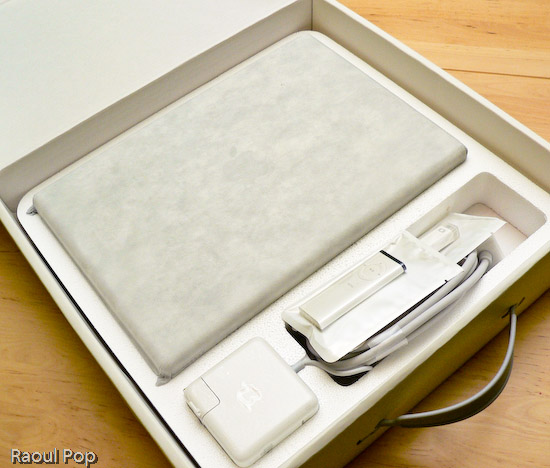
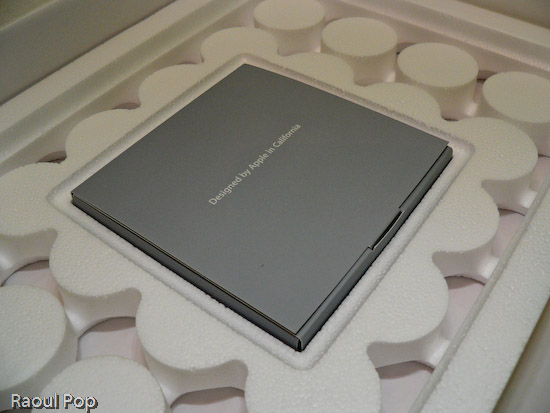
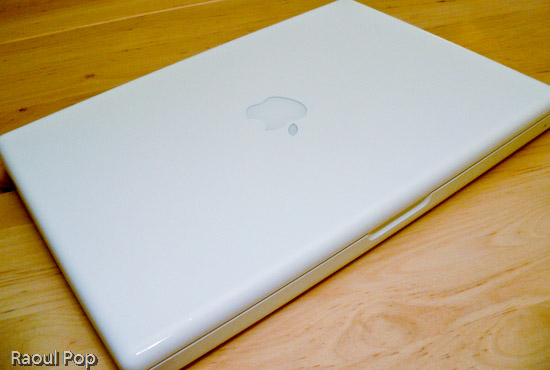
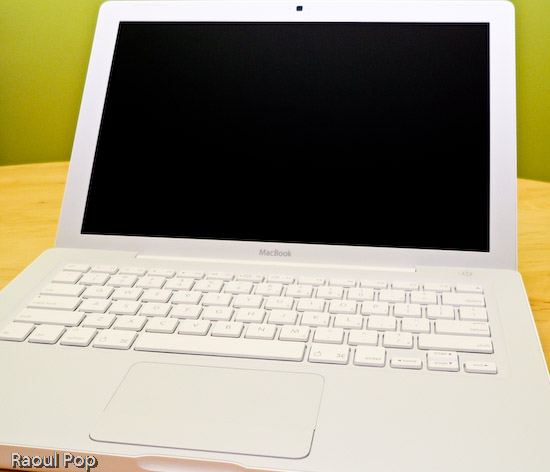
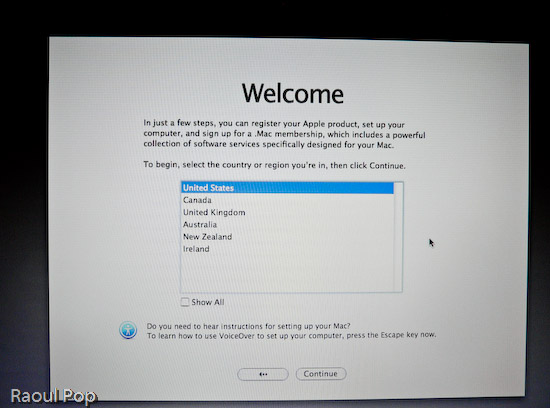
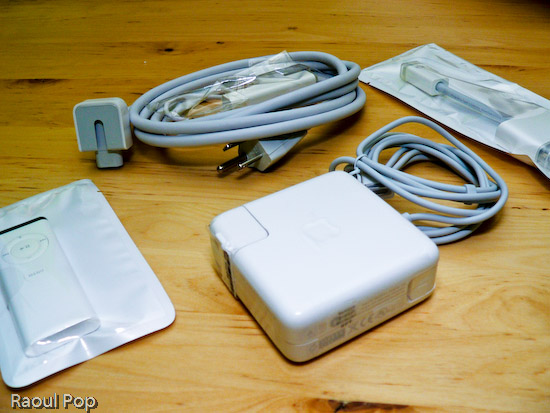
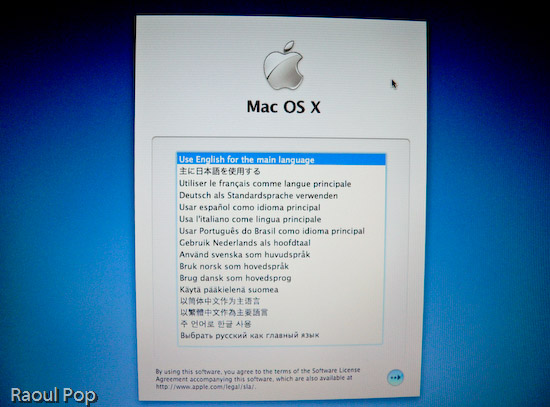
Anyway, the laptop arrived yesterday and I took it out of the box, duly documenting the process with photos. You’re welcome to have a look.



Discover more from Raoul Pop
Subscribe to get the latest posts sent to your email.
 Raoul Pop




Pingback: Apple still not transparent about its hardware specs by Raoul Pop
Pingback: Photography, take two, part two
Pingback: ComeAcross » Another potential lawsuit brewing for Apple
Pingback: ComeAcross » Why I won’t buy Averatec again